If you want maps and accommodation messages working soon after landing in Korea, arrange the connection before the airport rush. We compared a visitor physical SIM, eSIM and pocket Wi-Fi using carrier and manufacturer guidance checked on October 5, 2026. This is desk research, not a speed test or rental review. Short-stay visitor products are also distinct from ordinary resident mobile plans.
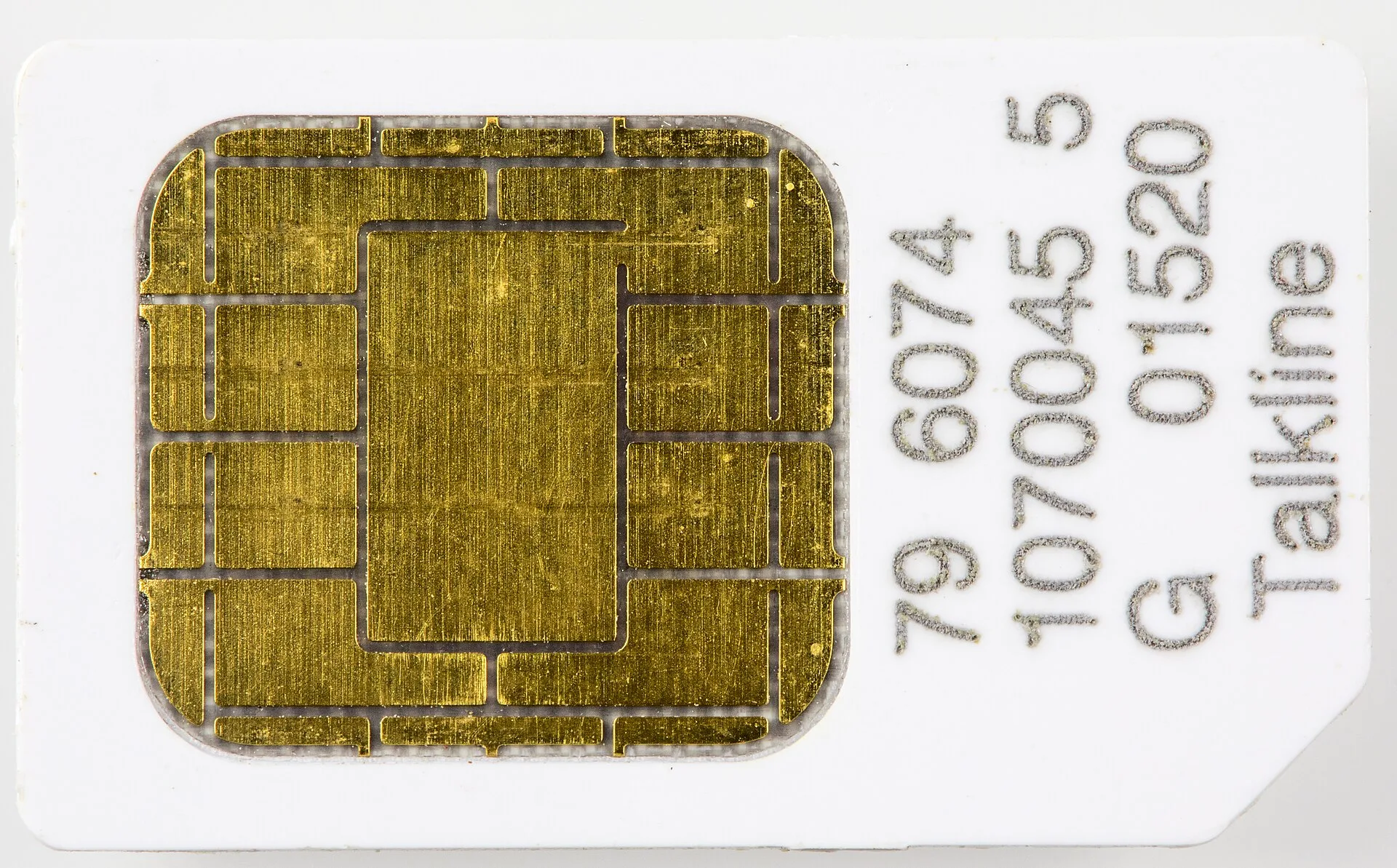
Physical SIM
A physical card is the candidate to inspect when eSIM support is uncertain. But fitting a card is not proof that the visitor service will work. Check compatibility, carrier lock and the actual product conditions for your exact phone model and purchase region. Use that information when asking the provider rather than simply naming the phone family.
The practical drawback is keeping track of the original card during the trip. Plan a secure place for it. Whether you can keep using your existing number depends on the home carrier and device arrangement. Decide whether you need data alone or a Korean voice service. The word SIM does not promise calling, texts and identity verification in every plan.
eSIM
A supported phone installs a mobile profile instead of requiring a new physical card. KT describes QR-code installation; Apple explains that another carrier’s service requires appropriate device support and an unlocked phone. I would investigate this route if avoiding card handling is the attraction. Confirm the exact regional model with the manufacturer and provider first.
Read the installation conditions before treating it as effortless. KT says it does not provide a replacement QR code if the installed eSIM is deleted. Understand installation, service activation and any reinstallation limits. The page we consulted contained conflicting installation-period figures, so we have not chosen one to repeat as a guarantee. Confirm the current terms for the product you intend to purchase.
Pocket Wi-Fi
A rented portable router supplies a Wi-Fi connection to nearby devices. KT advertises simultaneous use by multiple users or devices. That makes it worth considering for companions staying together, possibly with a laptop as well as phones. It avoids changing each phone’s SIM, but the connected devices must remain within Wi-Fi range of the router.
Charging, carrying and returning another object are the trade-offs. Decide whose bag it stays in and what happens when the group separates. Read the rental provider’s collection, return, deposit, extension and loss conditions. We have not measured battery life or assumed every renter receives the same hardware. Compare the actual booking, not a generic photograph of a router.
Data and a telephone number are separate requirements
Opening a map is different from placing cellular calls or receiving texts on a Korean number. KT distinguishes data-only and calling-enabled visitor eSIM products and describes entry-verification conditions for voice and text service. It also states that its visitor eSIM does not support Korean personal authentication. A displayed number is not a promise that every domestic identity-check service will accept it.
Think about accommodation calls and restaurant reservations before buying. List the required features and find them in the exact plan. Pocket Wi-Fi itself is not a cellular voice line for your phone. Messaging over an internet app and using carrier voice service are different functions. Our comparison does not guarantee access to particular apps or verification systems.
Let the itinerary make the final choice
If you travel alone or regularly separate from companions, begin with individual phone connections. A shared router becomes more interesting when the group stays together and wants several devices online. We have not invented a group-size threshold at which one becomes cheapest. Duration, quantity, rental conditions and usage limits all affect the current total.
Read speed-control and usage conditions behind unlimited-data wording. One carrier’s allowance does not apply to another plan. Before departure, record device support, installation steps, collection or return arrangements and the support contact. The table compares preparation questions rather than imaginary speed scores. Sort out the workable connection first, then compare the price of that arrangement.
Our three picks
- Physical SIMPhysical SIM
A supported phone using a physical visitor SIM
- eSIMeSIM
A supported phone without card replacement
- Pocket Wi-FiPocket Wi-Fi
Nearby devices traveling together
Side by side
| Compare | Physical SIM | eSIM | Pocket Wi-Fi |
|---|---|---|---|
| Connection | Insert a card | Install a mobile profile | Connect to router Wi-Fi |
| First checks | Compatibility and lock | eSIM support and lock | Rental and collection conditions |
| Prepare for | Original-card storage | Installation and deletion rules | Charging, carrying, returning |
| Separate outings | Check each phone’s service | Check each phone’s service | Separation from router affects connection |
| Calls and texts | Plan-specific availability | Plan and verification conditions | Not a separate cellular voice line |
| Trade-off | Card handling | Compatibility and installation support | Extra device and group coordination |
| Total-cost reference | Duration, quantity, limits, collection | Duration, quantity, limits, terms | Rental, duration, deposit, return terms |
Our choice
Look at a physical SIM for a phone suited to card-based service, eSIM for a supported device when avoiding card changes matters, or pocket Wi-Fi for nearby devices traveling together. Confirm the phone and the functions first. The cheapest data offer is useful only after you know the proposed connection will fit your trip.
