Changing a RAW editor affects more than the color of the next photograph. It can change how you find older images and continue earlier edits. We compared official documentation for Lightroom Classic, darktable and RawTherapee on October 8, 2026. This is a workflow guide, not a measured image-quality or performance test. Lightroom here specifically means Classic, rather than treating every Lightroom product as the same application.
Lightroom Classic
Adobe distinguishes Classic as a desktop-focused choice for photographs stored on a local drive. If that is already your working arrangement, maintaining it has a value beyond a list of new features. Finding a photograph and continuing an existing job belong in the decision. Check which current Adobe plan includes Classic and what the contract requires.
The drawback is that a displayed monthly figure does not, by itself, explain the commitment or cancellation conditions. We have not established the cheapest price in each country. An existing subscriber should compare the expense with the time needed to learn and reconstruct a workflow. Your recent actual tasks are a more useful starting point than counting features you rarely use.
darktable
The project describes RAW development together with photo-library management and nondestructive editing. That makes it a candidate when you want to explore an open-source environment for organizing as well as developing photographs. Begin with a small folder and the project’s introductory material.
Its own FAQ warns against assuming a direct Lightroom replacement. Presets and edit histories from other programs do not transfer reliably as equivalent results. That is the practical limitation to understand before moving a whole collection. A familiar-looking interface does not promise that opening the original will reproduce an old edit. Decide whether learning a different process is something you actually want to do.
RawTherapee
RawTherapee presents itself as a free RAW processor for Windows, macOS and Linux. Its official introduction describes nondestructive processing and a range of development tools. I would investigate it as another way to take a camera file through adjustment and export, without assuming it is interchangeable with darktable.
A long tool list does not prove that your own work will be quicker. Check the distribution for your system and whether your camera files are supported, then use copies for a trial. If finding and organizing a large collection is central to your work, examine that separately. Enjoying the treatment of one image and managing thousands of files are different tests; passing one does not settle the other.
Start with your own three files
Choose copies of three RAW images from scenes you photograph regularly. Set the same practical goal for each editor: adjust brightness, reach a color you like and export a file for the web. Record the steps rather than assuming the initial renderings should be identical. This is a suggested reader trial, not an experiment we claim to have performed.
Next, return a few days later. Can you find the image and continue where you stopped? Do you understand the settings for exporting several files? A complicated interface is not automatically a winner for experts, and an unfamiliar process is not automatically bad. The useful candidate is the one in which you can complete the recurring tasks that matter to you.
Keep the previous work
Before a larger move, distinguish original files, the current editor’s working information and finished exports you want to retain. Possessing the original alone does not guarantee another program will recreate the same appearance. Read darktable’s compatibility explanation before budgeting the time needed to rebuild older work.
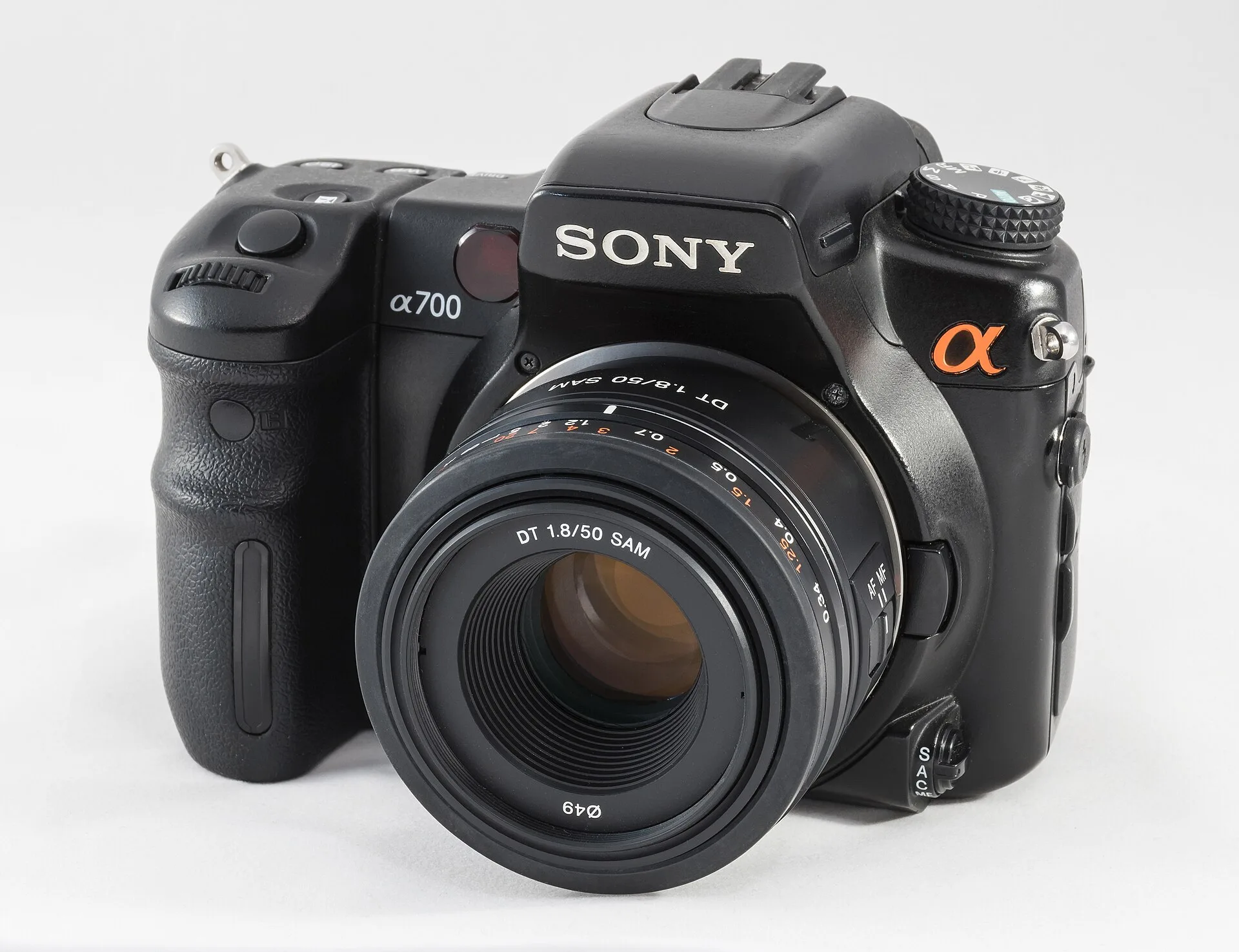
The photograph is a DSLR reference image, not an editor screenshot or an output comparison. We did not measure speed, noise reduction or color accuracy, and the table assigns no quality scores. The cost row distinguishes Adobe plan conditions from free open-source software without promising a particular current price. Complete a small copied-folder trial before expanding the move.
Our three picks
- Lightroom ClassicLightroom Classic
Continue a local-photo workflow
- darktabledarktable
Explore library management and RAW development
- RawTherapeeRawTherapee
Try a different RAW processing approach
Side by side
| Compare | Lightroom Classic | darktable | RawTherapee |
|---|---|---|---|
| Selection focus | Keep an existing local workflow | Library and development workflow | RAW adjustment and export |
| Cost model | Check Adobe subscription terms | Free open-source software | Free open-source software |
| First trial | Find and continue an existing job | Learn with a small folder | Process your own camera-file copies |
| Main limitation | Contract conditions need checking | Preset and edit-history compatibility | Many tools do not guarantee convenience |
| Before moving | Keep originals, work data and exports | Do not assume old edits will reproduce | Check file support and organization |
| Not measured here | Speed, quality, noise | Speed, quality, noise | Speed, quality, noise |
| Image scope | Camera reference photograph | Not an application screenshot | Not an output comparison |
Our choice
I would first price the value of keeping an established Classic workflow. If learning a new process appeals, try darktable; to explore another RAW-processing approach, try RawTherapee. In either case, finish a small copied-folder trial and decide how to retain your earlier work before moving the collection.
