Write down the programs you must run before comparing processors. Our reference choices are the 13-inch M5 MacBook Air, the standard Galaxy Book4 and LG’s 16Z90TL-GS5WK gram 16. They are not a same-generation, equal-price contest. Older configurations and clearance stock can be relevant purchases, but should be identified as such.
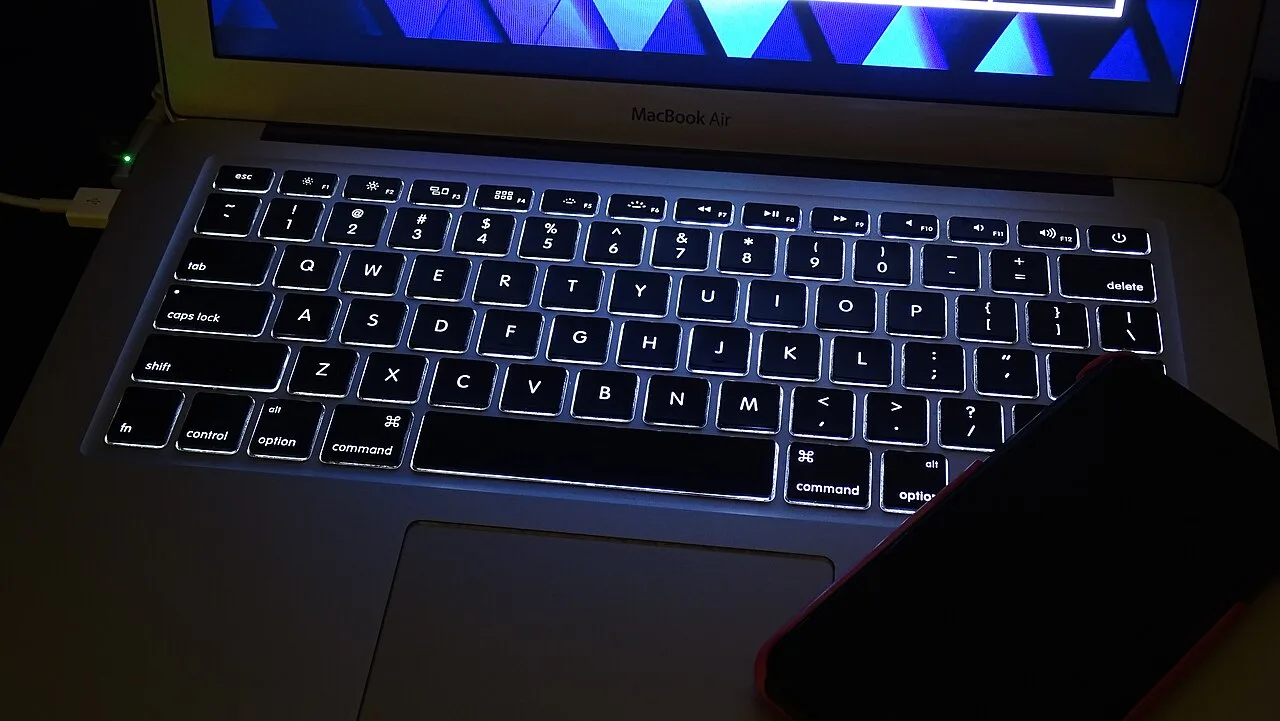
MacBook Air: settle macOS compatibility first
Apple lists a 13.6-inch display and roughly 1.23kg body for the M5 13-inch Air. That compact package is worth considering for a bag carried between classes or offices. Yet it stops being convenient if a compulsory examination, corporate or specialist application does not work properly on macOS.
Look at peripherals too. The Air does not include USB-A or HDMI ports, so existing accessories may require a hub. Count the charger and adapters when considering what you carry. Apple silicon is not a promise that a previous Windows setup can simply be moved across unchanged.
Galaxy Book4: understand the clearance configuration
The standard Book4 is distinct from the Book4 Pro and Ultra. Samsung's reference UK configuration uses a 15.6-inch screen, Core 7 150U, 8GB memory and 512GB storage. That is not a universal configuration for every country. Establish whether an attractive price reflects the generation, the memory or another difference in the listing.
Keeping Windows applications and existing peripherals can be a perfectly good reason to consider it. Read the complete model code and its ports rather than relying on the family name. If you expect to keep a laptop for years, buying enough memory for the actual workload can matter more than the headline percentage discount.
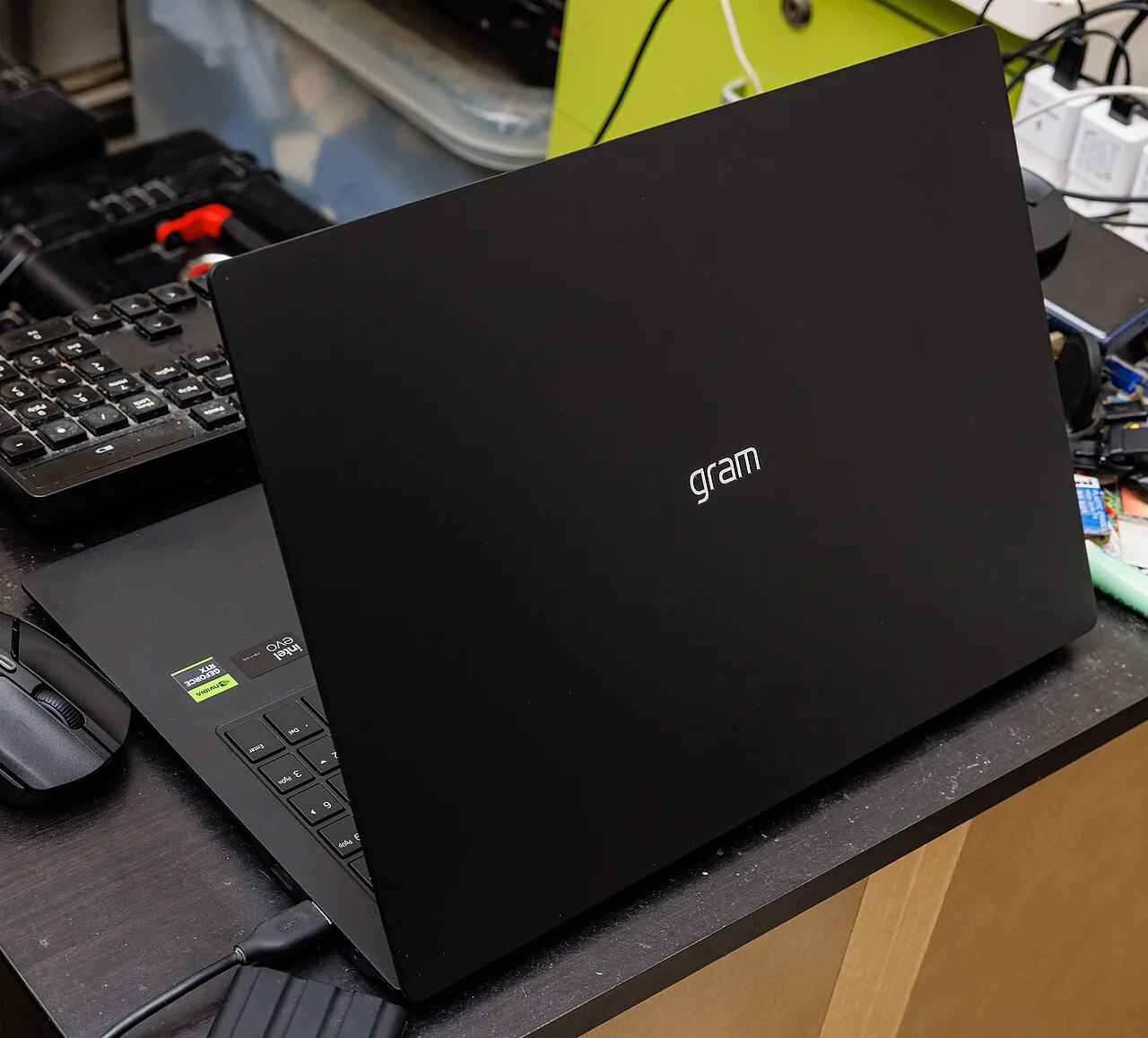
LG gram: does a larger mobile screen earn its space?
The gram 16 is interesting when you routinely compare documents or work on wide spreadsheets away from an external monitor. We use the specific 16Z90TL-GS5WK as the reference. Different gram and gram Pro generations should not be merged into an imaginary single specification.
A larger screen may be less valuable if both home and office already have monitors. In that case, the physical size during travel deserves more attention. If most work happens at temporary desks, the additional workspace may justify it. Measure the bag, check the charging package and consider the whole carry setup instead of judging portability by one body-weight number.
Let essential software remove candidates
List examination tools, the company VPN, accounting software and any required authentication. A service opening in a browser is not always proof that every submission or verification step works. For creative work, file sizes, plug-ins and external-display requirements say more than simply writing “Photoshop.”
Frequent gaming or long video exports may also change the shortlist. These are portable machines, and we have not run identical workloads to measure sustained performance or heat. We therefore do not name a gaming or real-world battery winner. Published battery tests should be read with their conditions, not copied into a promise about your workday.
Normalize the complete quote
Compare memory, storage, operating-system inclusion and warranty on the same basis. A Windows license missing from a lower-priced configuration is still a cost. Add the hub, charger and any software you need. Do not compare an overseas 8GB specification with the price of a domestic 16GB unit as though they were identical.
Finally, try the keyboard and screen. A number pad, reflections and comfortably readable text affect daily use in ways a processor chart does not capture. Open an ordinary document in the shop and check the machine against your bag. Small annoyances repeated every working day can outlast the appeal of a benchmark score.
Our three picks
- Selection noteMacBook Air 13 M5
Start here after confirming macOS fits your essential software.
- Selection noteGalaxy Book4
Consider the standard Windows model when clearance value matters.
- Selection noteLG gram 16
Consider it when a larger screen improves work away from a monitor.
Side by side
| Criterion | MacBook Air 13 M5 | Galaxy Book4 | LG gram 16 |
|---|---|---|---|
| Reference | 13-inch M5 | Standard Book4; check SKU | 16Z90TL-GS5WK |
| Operating system | macOS | Check Windows bundle | Check Windows bundle |
| Screen perspective | 13.6-inch portability | 15.6-inch standard model | 16-inch document workspace |
| Generation and price | Current M5 specification | Older-stock pricing matters | Specific generation and configuration |
| Peripherals | Plan for USB-A/HDMI adapters | Check exact ports | Check exact ports |
| Memory comparison | Quote equal capacities | Regional 8GB and other options | Check exact configuration |
| Final question | Do required apps support macOS? | Does the discounted spec suffice? | Does the larger screen fit your routine? |
Where we would start
We would decide macOS compatibility first and screen size second. That leads toward the Air for a compact macOS setup, the Book4 for a suitable Windows clearance configuration, or the gram for a genuinely useful larger mobile workspace. Choose around repeated tasks rather than a brand-level performance ranking.

